AnnealLog
Keep every firing in one log
Track kiln loads, soak holds, and cold shelf pieces in one calm log built for glass artists.
Studio notes on the wall
Pin the parts of your practice that matter when the door is shut and the shop is loud.
-
Kiln ribbon
See what is in the fire, read the heat band, and know which program step is running without digging through notebooks.
-
Cold shelf
Keep annealed work organized until you grind, polish, or ship. Move pieces from kiln to shelf when the program ends.
-
Bench schedules
Rehearse soak and anneal ramps on the bench before you load glass so the next firing starts with a clear plan.
Inside the fire and the shelf
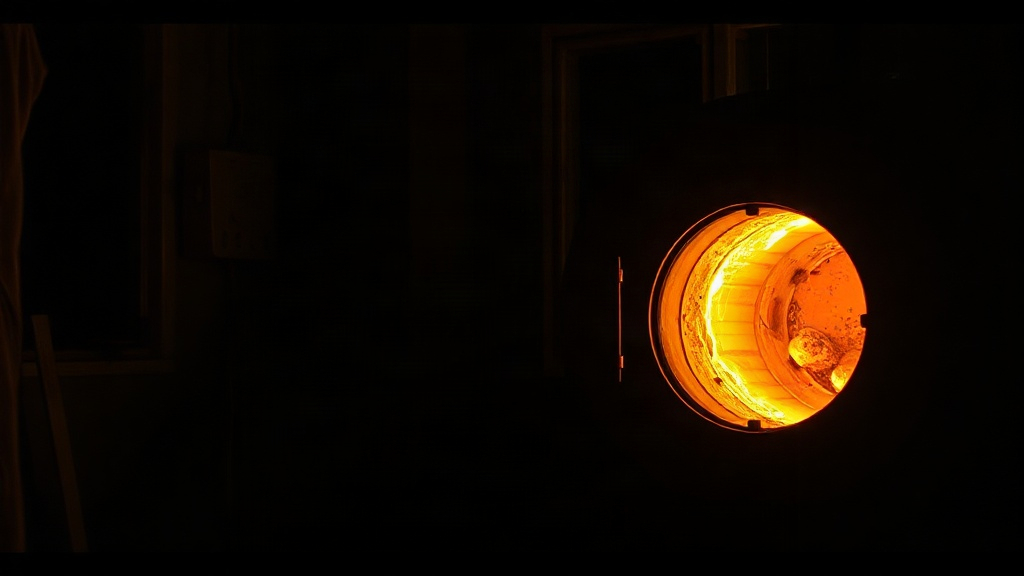
Atmosphere from the studio — not a rebuilt app screen.


Privacy Policy
Last updated: November 27, 2026
AnnealLog is developed by Natalia Dabrowska. This policy explains what information the app handles and how it is stored on your device.
Data we collect
AnnealLog stores the kiln logs, vessel notes, schedules, and marks you create inside the app. That content stays on your iPhone or iPad unless you choose to back up the device with iCloud or another Apple backup service. We do not operate a cloud database for your studio notes.
How we use information
Your entries are used only to show your kiln history, shelf inventory, and bench schedules inside AnnealLog. We do not sell personal data, and we do not use your content for advertising profiles.
Third-party services
The app does not embed third-party analytics or social SDKs in the build reviewed for the App Store. Apple may process crash diagnostics if you opt in to share analytics with developers through system settings.
Children
AnnealLog is intended for adult studio use. We do not knowingly collect information from children under 13.
Changes
We may update this policy when the app changes. The date at the top will change when we do.
Contact
Questions about privacy: ceonataliadabrowska@gmail.com
Support
AnnealLog helps you document kiln work — it does not replace manufacturer manuals, ventilation rules, or studio safety training. Always follow your equipment guidelines and local regulations.
Getting help
Email ceonataliadabrowska@gmail.com with your iOS version, device model, and a short description of the issue. Screenshots of the kiln or shelf view are helpful when something looks wrong on screen.
Tips
- Restart the app after a major iOS update if tabs fail to load.
- Keep your device backed up so vessel logs survive a replacement phone.
- Report crashes through Apple’s feedback flow if diagnostics are enabled.